
How to Supply Print Ready Artwork
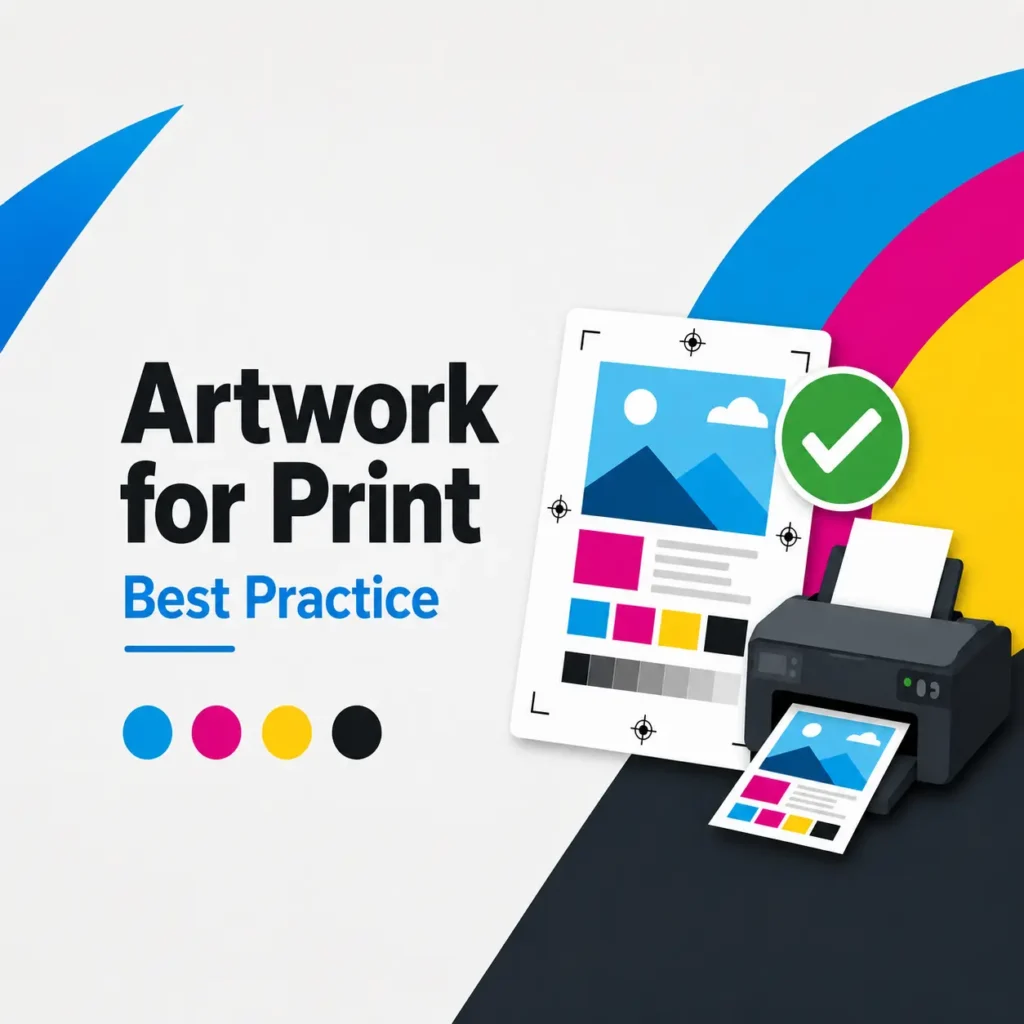
Print ready artwork is a file that is set up correctly for printing. It should be the right size, use the correct layout, include enough image quality and have the important text or design elements positioned safely away from the edge.
What does print ready artwork mean?
You do not need to be a designer to understand the basics. However, sending artwork in the right format can help reduce delays, avoid unexpected results and make the finished print look more professional.
This guide is for local businesses, tradespeople, schools, offices, event organisers, charities and organisations who need help preparing artwork for print. Printmonster works with customers across the wider West Midlands and provides practical advice for a wide range of print services, including custom stickers, signage, large format printing, marketing materials, book and document printing, vehicle graphics, exhibition displays, branded merchandise, workwear and business stationery.
Why supplying artwork correctly matters
Good artwork setup helps the print process run more smoothly. It gives the production team a clearer starting point and reduces the chance of issues such as blurry images, missing text, incorrect sizing or important details being cut off.
Artwork problems can happen for many reasons. A logo may have been taken from a website, an image may be too small, a document may be the wrong size, or a design may not include bleed. These are common issues, and they are usually easier to fix before printing starts.
If you are unsure, do not worry. Printmonster can offer artwork guidance and help you understand what is needed before your job goes to print.
The best file types to send for print
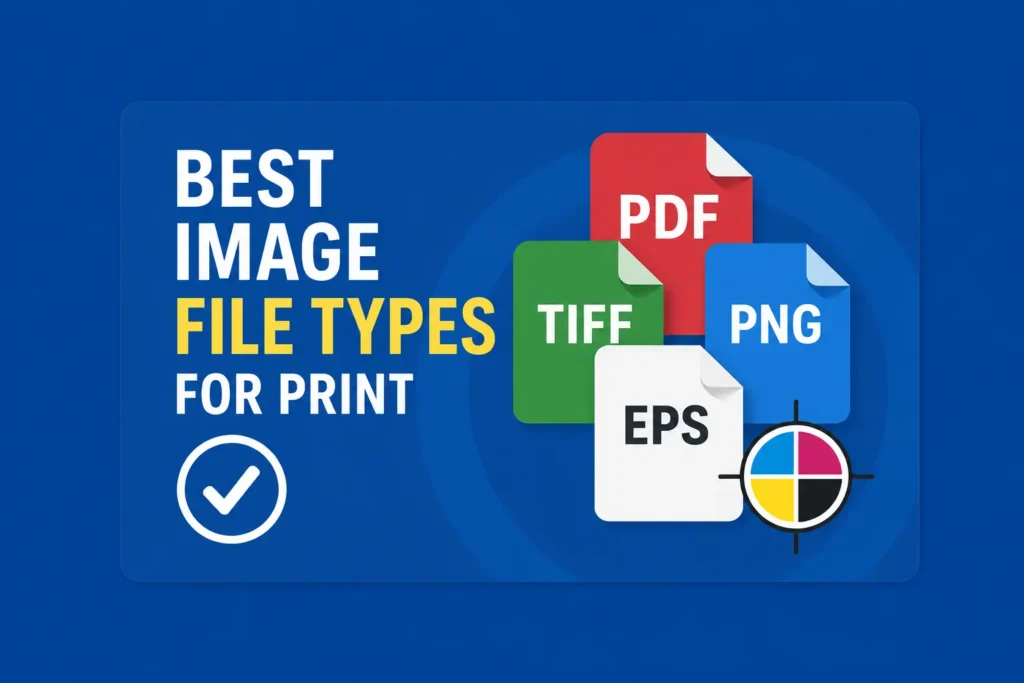
For most print jobs, a high quality PDF is usually the best file type to send. A PDF can preserve the layout, images, fonts and design settings more reliably than many editable file formats.
Useful file types may include:
PDF
Best for most finished artwork files.
AI, EPS or SVG
Useful for vector logos, illustrations and scalable graphics.
PSD or editable design files
Helpful if changes are needed, although linked images and fonts may also be required.
JPEG or PNG
Sometimes suitable for image based artwork, but only if the file is high resolution and the correct size.
Try to avoid sending screenshots, low quality images from social media, small website logos or files copied from email signatures. These often look fine on screen but may not print clearly.
Check the size of your artwork
Before sending artwork, check that the file is set up at the correct finished size.
For example, if you need an A5 flyer, the artwork should be created at A5 size. If you need a business card, it should be set up to the agreed business card size. If you need a sign, banner, sticker or vehicle graphic, the size should match the quote or agreed specification.
This matters because resizing artwork later can affect quality. Making a small file much larger can cause images and logos to appear soft, pixelated or blurry.
If you are ordering large format print, signage, posters, banners or display materials, it is especially important to check the size and image quality before supplying the file. Large format printing, display signage, banners, roller banners, foamex, correx, dibond, window graphics and other display products are all part of the Printmonster service range, so artwork may vary depending on the product.
Add bleed and keep text inside the safe area
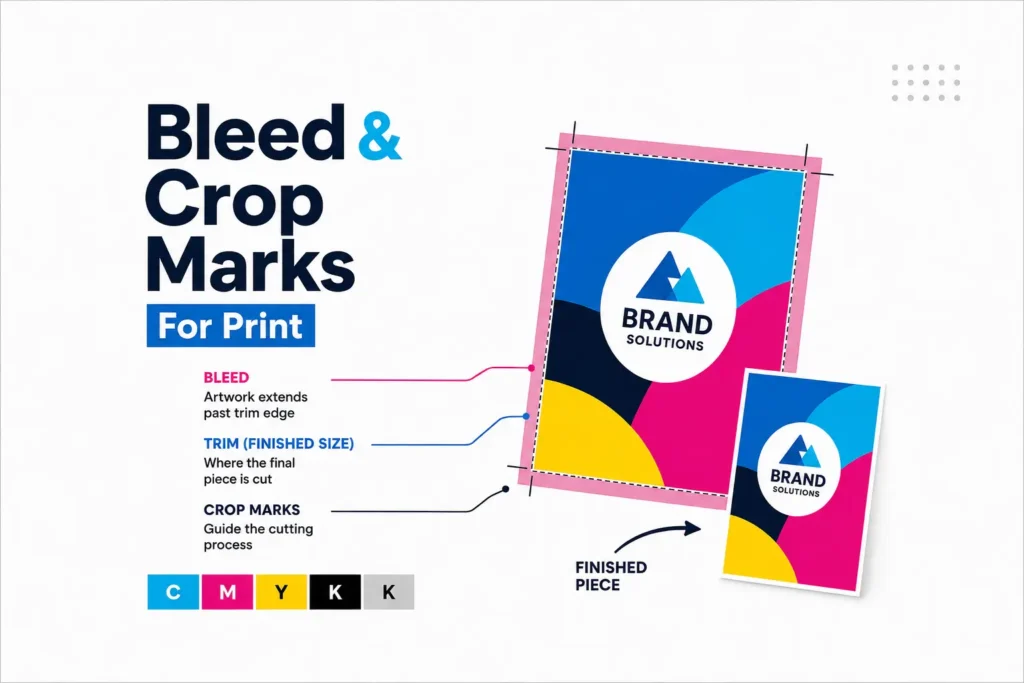
Bleed is extra artwork that extends beyond the final trimmed edge. It helps prevent unwanted white edges after trimming.
As a general rule, printed items such as flyers, business cards, booklets, stickers and stationery should include bleed if the colour, image or design reaches the edge of the page.
The safe area is the space inside the trim edge where important text, logos and contact details should sit. Keeping key information away from the edge reduces the risk of it being trimmed too close.
A simple way to think about it:
Bleed extends beyond the edge.
Trim line is where the item is cut.
Safe area is where important content should stay.
Use high quality images
Images for print need to be good enough quality for the size they will be printed.
A photo that looks fine on a phone may not be suitable for a large poster, sign or banner. Likewise, a small logo copied from a website may not be clear enough for stickers, workwear, signage or vehicle graphics.
Where possible, use original image files rather than images downloaded from social media or compressed messaging apps.
For logos, a vector file is often best. This may be an AI, EPS, SVG or print quality PDF file. Vector artwork can usually be scaled without losing quality, which makes it useful for signs, banners, stickers, workwear and vehicle graphics.
Check colours before sending your file
Colours can look different on screen compared with printed materials. This is normal because screens use light, while print uses ink or toner.
For many jobs, artwork supplied in CMYK is preferred because CMYK is designed for print. RGB files can still often be used, but colours may shift when converted for print.
If colour matching is important, let Printmonster know before printing. This is especially useful for brand colours, business stationery, signage, stickers, workwear and marketing materials.
Outline fonts or supply them correctly
Fonts can cause problems if they are missing when artwork is opened on another computer. This can change the appearance of your design.
To avoid this, you can usually supply artwork as a print ready PDF with fonts embedded. Another option is to outline the fonts, which turns the text into shapes. However, once text is outlined, it is no longer easy to edit.
If you need Printmonster to make changes to text, it may be better to supply the editable artwork file and let the team know what needs amending.
What to include when sending your artwork
When you send artwork to Printmonster, include as much useful information as possible.
Helpful details include:
The finished size
The quantity required
The print product you need
Where the item will be used
Whether it is for indoor or outdoor use
Any finishing requirements
Any important colour requirements
Your contact details
Any deadline or event date, if relevant
For stickers and labels, include the shape, size, material preference and whether they are for indoor, outdoor, product or packaging use.
For signs and displays, include the size, location and whether the sign will be used inside or outside.
For booklets and documents, include page count, finished size and whether the file is supplied as single pages or spreads.
For business stationery, include the correct contact details, logo files and any brand guidance.
Printmonster’s services cover many different print types, from stickers and signs through to booklets, document printing, workwear, branded merchandise and business stationery.
What if my artwork is not print ready?
If your artwork is not print ready, Printmonster may still be able to help.
You might only have a rough design, an old file, a logo, a photograph or an idea. That is fine. Send over what you have, explain what you need, and the team can advise on the next step.
In some cases, the file may only need a small adjustment. In other cases, artwork may need to be recreated, resized or improved before printing. If design support is needed, Printmonster also offers design services as part of its current service list.
FAQ
What is the best file format for print ready artwork?
A high quality PDF is usually the best format for finished print ready artwork. For logos or scalable graphics, vector files such as AI, EPS or SVG can also be useful.
Can I send artwork as a JPEG or PNG?
Yes, but only if the file is high enough quality and set up at the correct size. Screenshots, small website images and low resolution logos are usually not ideal for print.
What does bleed mean in printing?
Bleed is extra artwork that extends beyond the final trimmed edge. It helps prevent thin white edges from appearing after the printed item is cut to size.
Do I need crop marks?
Crop marks can be useful because they show where the artwork should be trimmed. However, the most important thing is to supply the artwork correctly with the right size, bleed and safe area.
What resolution should my images be?
For many printed items, high resolution images are needed so the final result looks sharp. The larger the print, the more important image quality becomes.
Can Printmonster check my artwork before printing?
Yes. If you are unsure whether your file is suitable, send it to Printmonster and the team can advise.
Can Printmonster help if I only have a logo or rough idea?
Yes. If your artwork is not print ready, Printmonster can still guide you. Send over what you have and explain what you need.
Is this guide only for customers in Cannock?
No. Printmonster helps customers across the wider West Midlands, including Cannock, Walsall, Wolverhampton, Birmingham, Lichfield, Stafford, Rugeley, Burntwood, Dudley, West Bromwich, Sutton Coldfield and surrounding areas.
Need help getting your artwork ready?
Whether you are ordering stickers, signs, business cards, leaflets, booklets, vehicle graphics or display materials, Printmonster is here to help. Send us your artwork, logo or design idea and our friendly team will guide you through the next step.