
Good van graphics design makes your business easy to recognise. Use colours that stand out against your van, choose an easy to read font and keep the information focused.

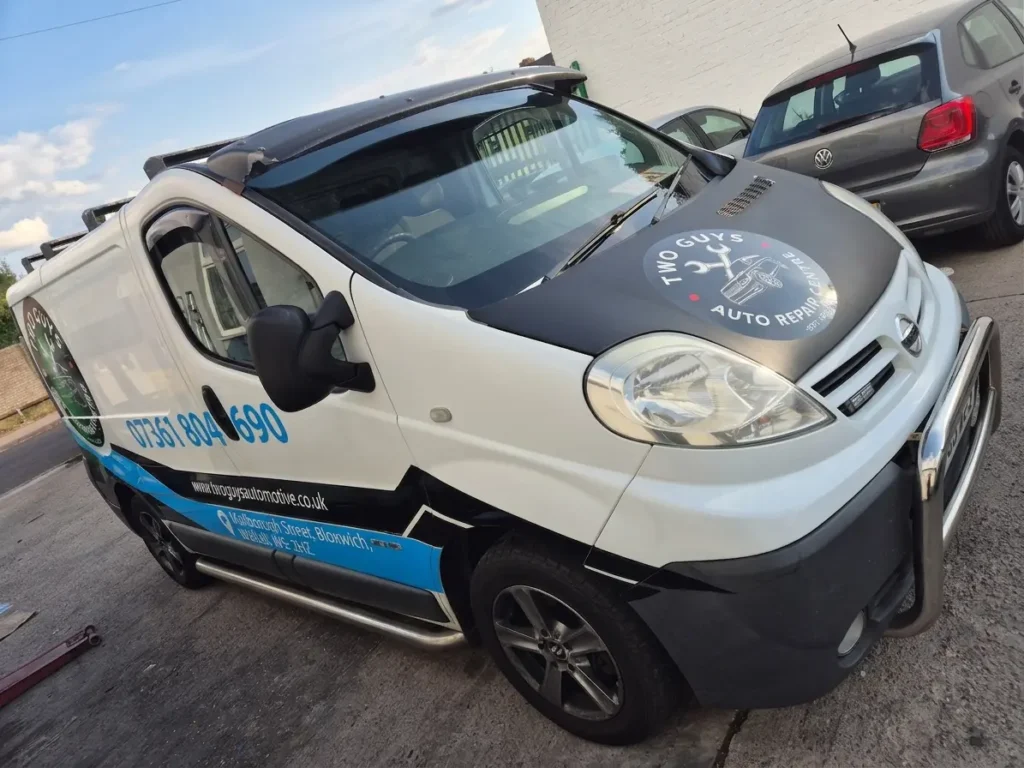
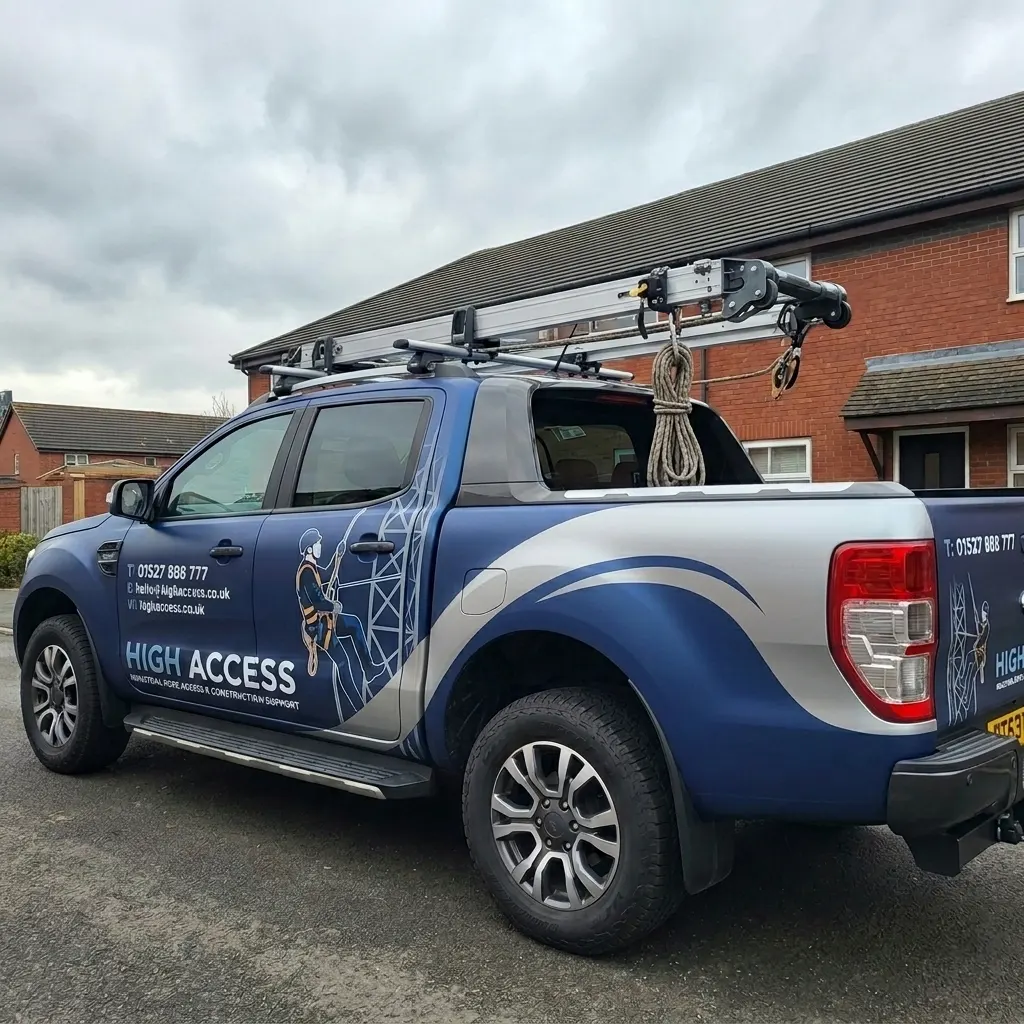
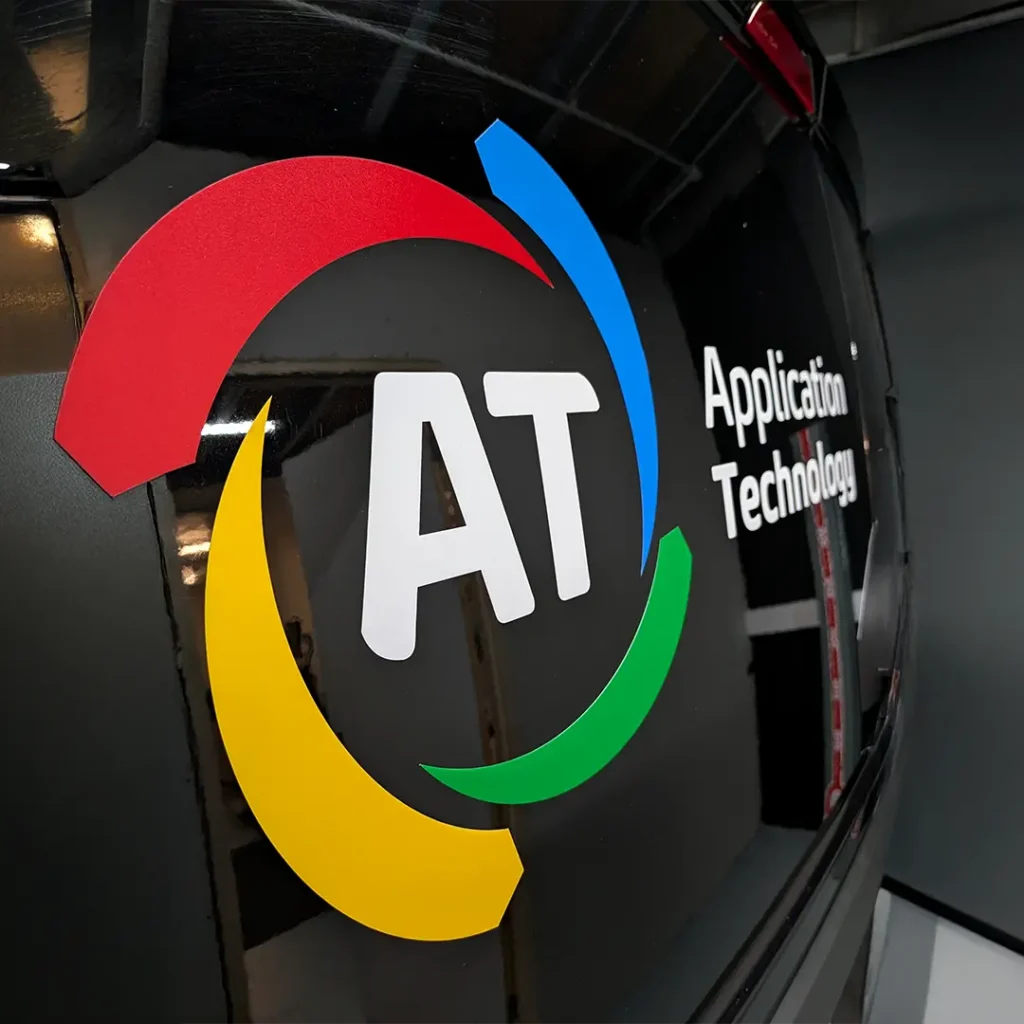
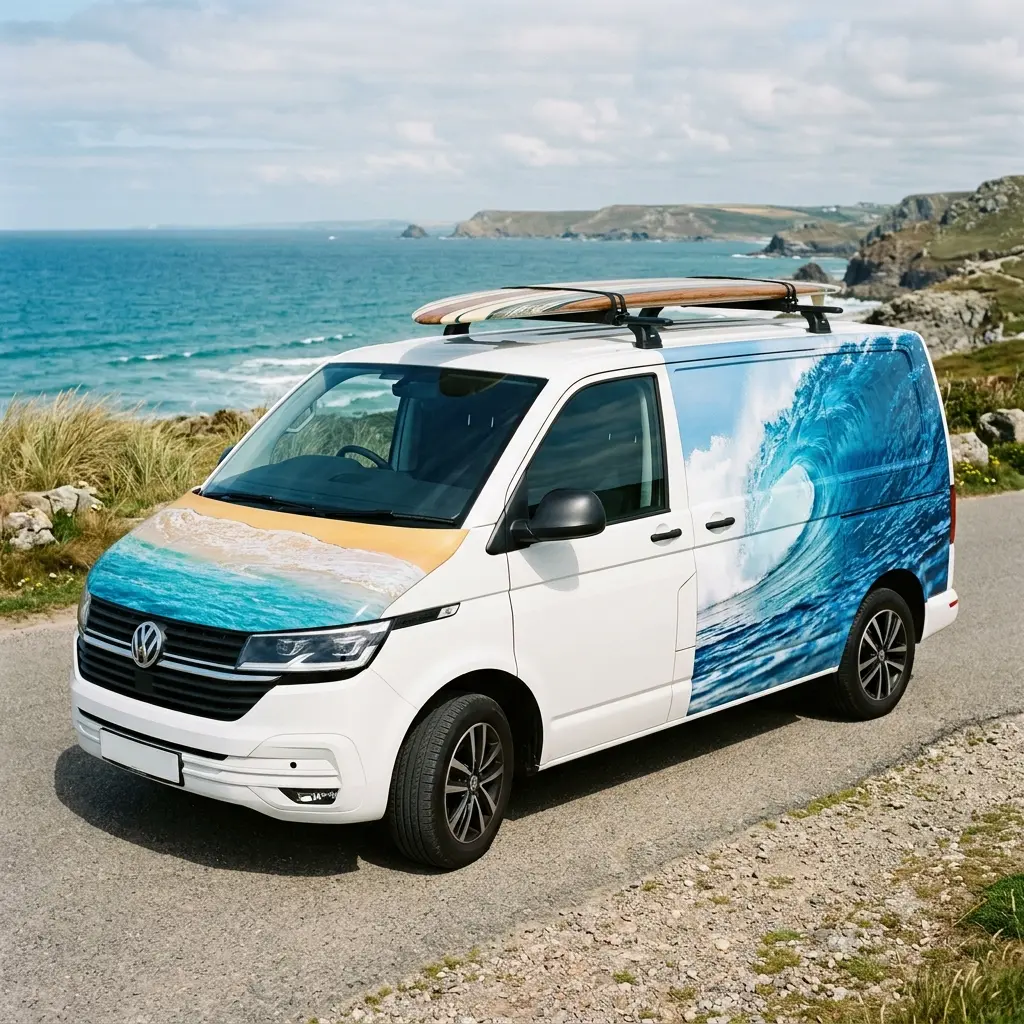
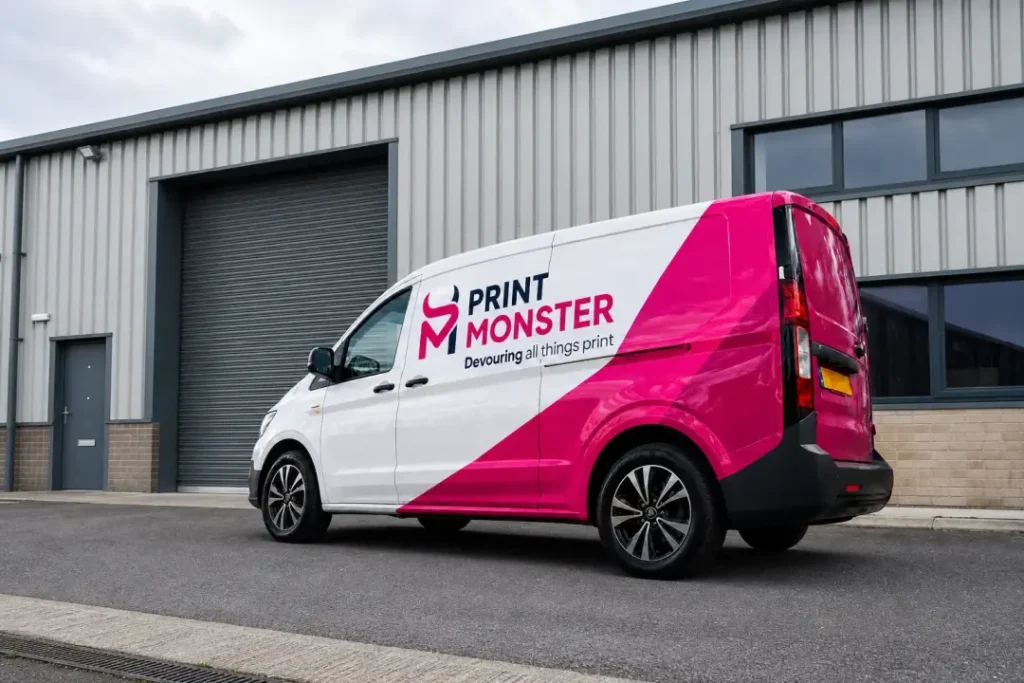
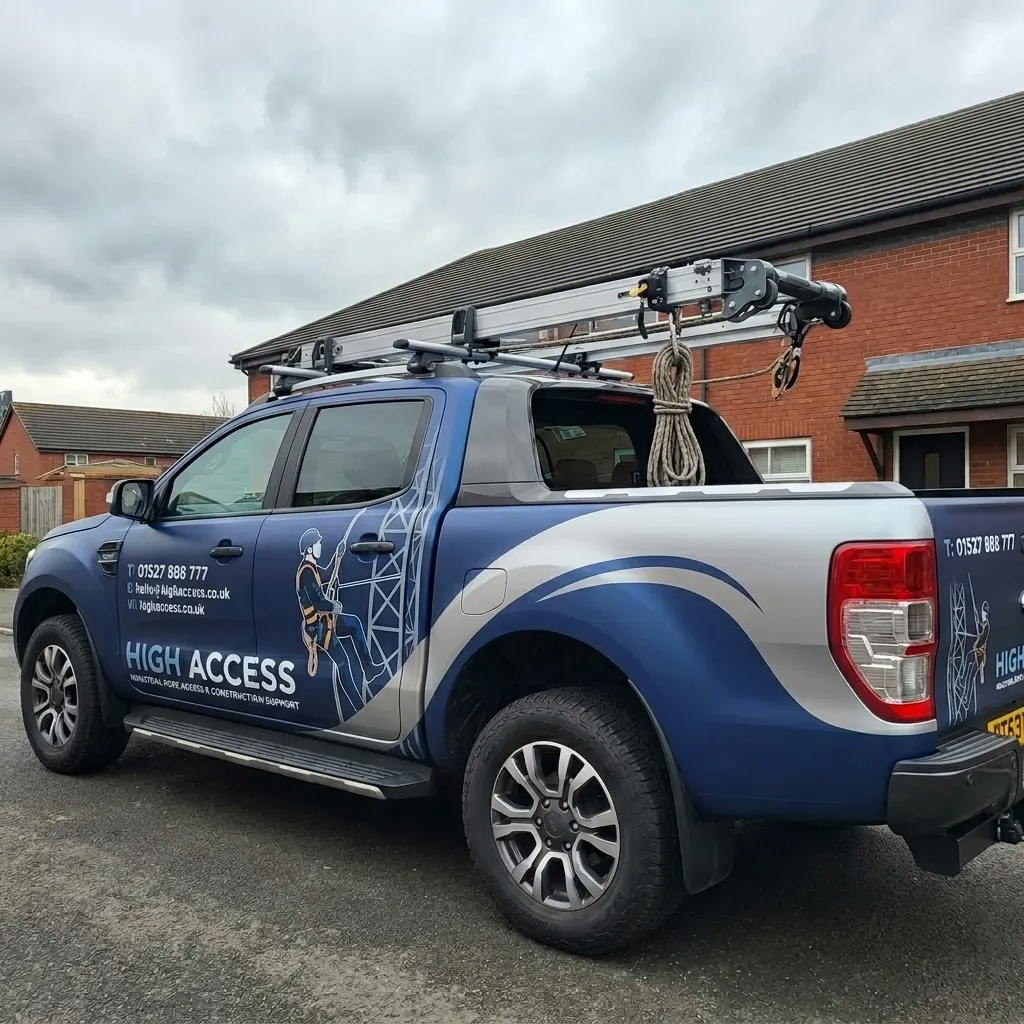
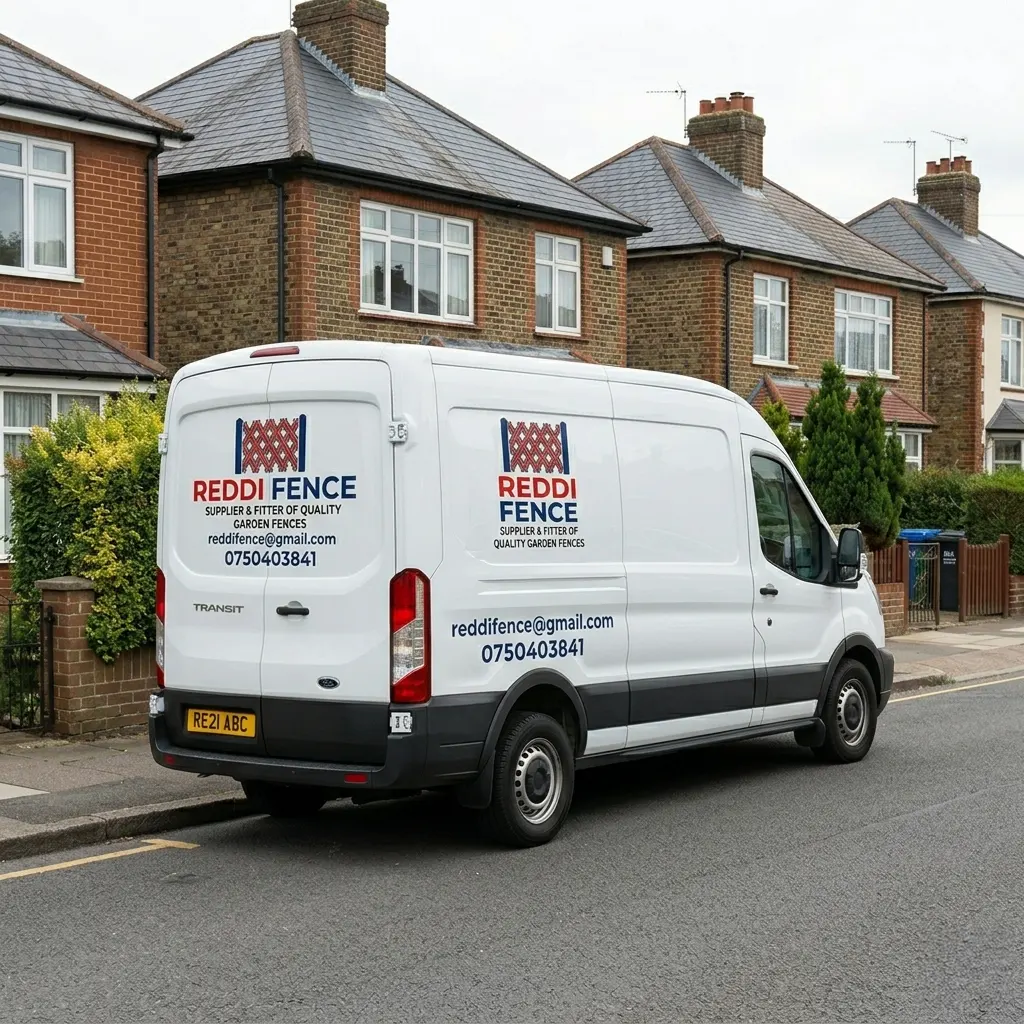
Your van should help people understand who you are, what you do and how to contact you. Someone passing a parked van or seeing it in traffic may only have a few seconds to take in the message.
A useful starting point is to decide what you want them to remember. For most businesses, that means a recognisable name, a clear description of the service and a straightforward way to get in touch.
Before approving the artwork, consider how it will look on the actual vehicle. A layout that looks attractive on a screen still needs to work around doors, handles and panel gaps.
A business name does not always explain the service behind it. If someone has never heard of you, will they know what you offer?
A short description such as “Plumbing and Heating”, “Property Maintenance” or “Commercial Cleaning” can make that clear. Position it where people can read it easily alongside your business name or logo.
Choose wording that means something to your customers. A straightforward description is often more useful than a slogan that needs explaining.
Our van graphics for tradespeople page explains the options for branding a working van.
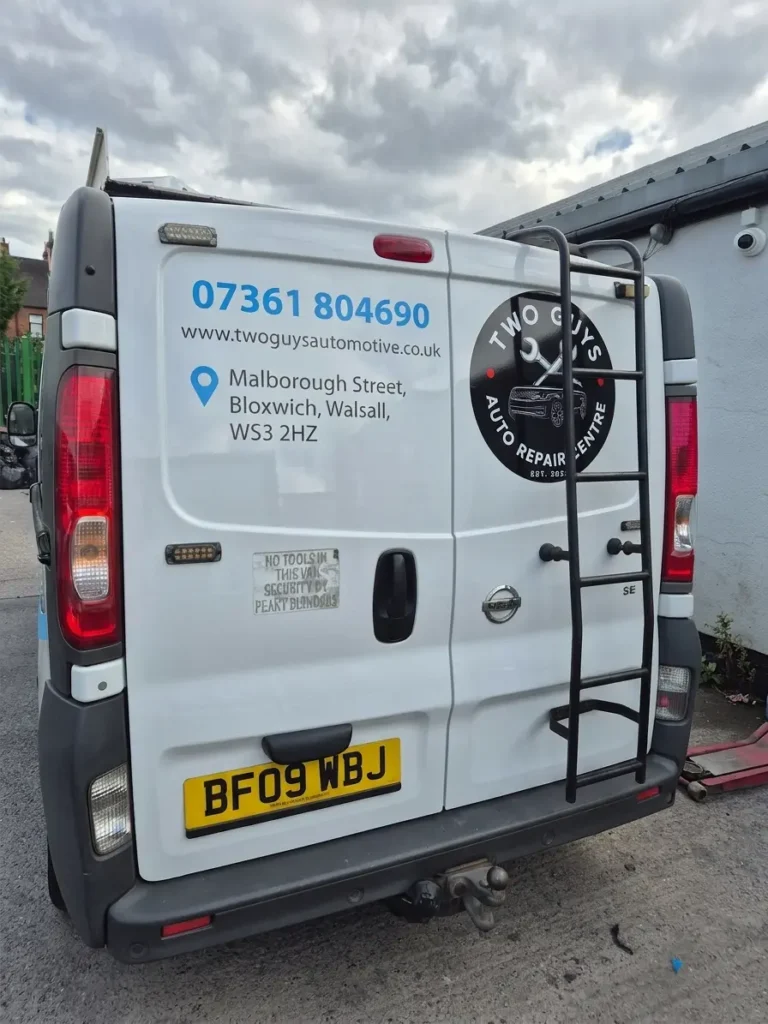
The colour of your van matters as much as the colour of the graphics. Text needs enough contrast against the surface behind it to remain readable.
White lettering can stand out clearly on a dark van but disappear against white paint. Pale grey on white, or dark blue on black, can also be difficult to read. Colours that look different close up may appear very similar from a distance.
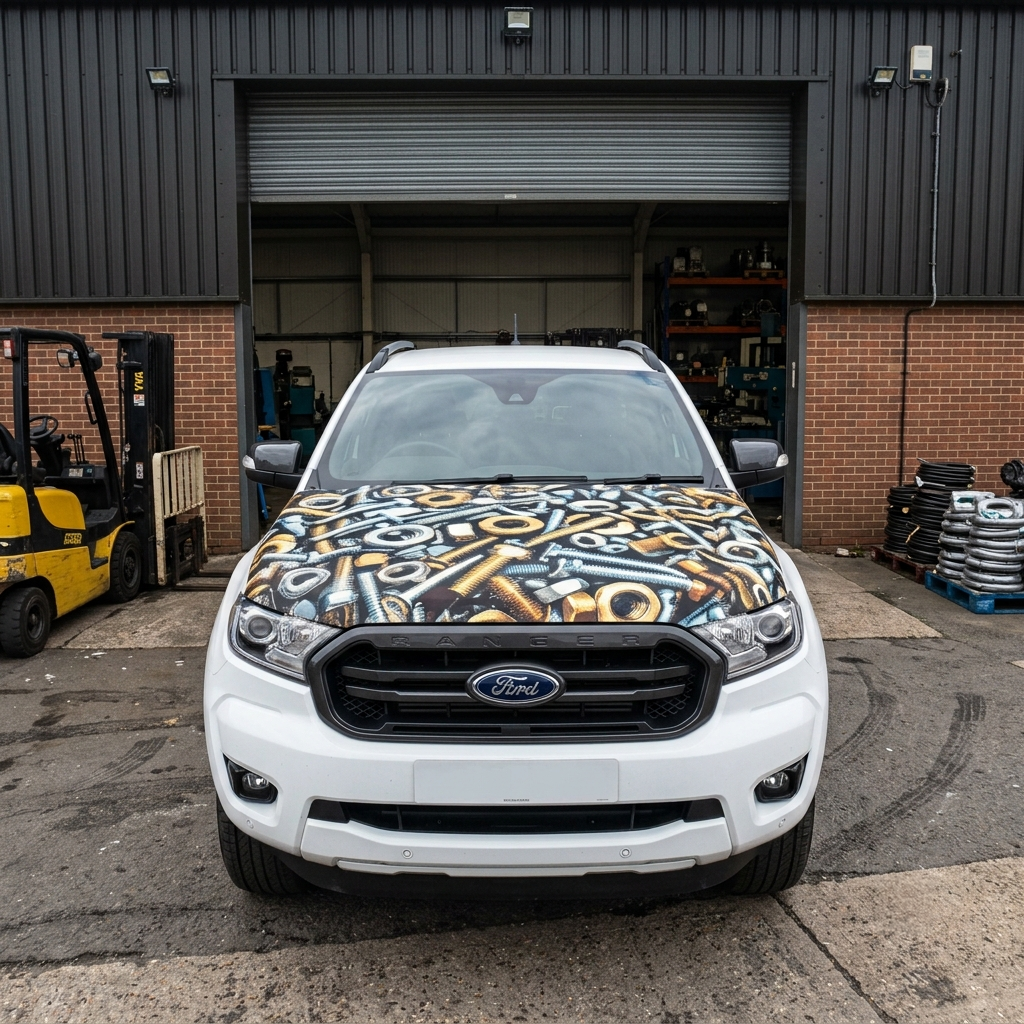
Look at the complete combination: the vehicle colour, any printed background and the lettering placed over it. A photograph or patterned background can make text harder to follow, even when the text itself is large.
If your brand colours do not stand out against the van, a contrasting panel behind the wording may help. Keep your branding recognisable while making sure the important information is easy to see.
People should be able to read your main wording without having to study it. Simple lettering with clear shapes usually works well for service descriptions, telephone numbers and website addresses.
Decorative fonts, thin strokes and tightly spaced letters can become difficult to read from further away. If your logo uses elaborate lettering, you can keep that style in the logo and use a simpler font for the supporting information.
Avoid squeezing text into a space by making it narrower or smaller. Shortening the wording may give you a better result.
There is no single letter size that suits every van. The font, panel size, colour contrast and viewing distance all affect readability. Check the lettering as part of the whole vehicle layout.
It is tempting to include every service you offer, but too much information can make a van look cluttered. When everything competes for attention, people may struggle to pick out the main message.
Start with:
Then decide whether anything else earns its place.
For example, “Kitchen and Bathroom Installation” gives a clear overview. Listing every individual task underneath may add detail without helping someone understand the business any faster.
Leave space around the main elements. Your website can explain the full range of services once someone wants to know more.
A van provides an uneven surface with features that affect the design. Handles, trims, windows, wheel arches and panel gaps all need to be considered.
Keep important wording away from anything that interrupts it. A telephone number crossing a door handle or a business name split awkwardly by a panel gap can become difficult to read.
Check both sides separately. A sliding door or window may mean the layout needs adjusting rather than copying directly from one side to the other.
Think about the van with its doors open as well. A sliding door can hide wording, and opening the rear doors can split a message. Check that everyday use does not create confusing or unintended wording.
For the vehicle details and files to supply, see our van graphics artwork guide.
The rear of your van gives people another opportunity to notice your business, particularly when it is parked or stationary in traffic.
Use a layout that suits the available space. Windows, hinges, handles and door gaps may leave less room than you expect.
Keep the main service and contact details clear, with enough space around them. You do not need to repeat every element from the sides if that makes the rear design crowded.
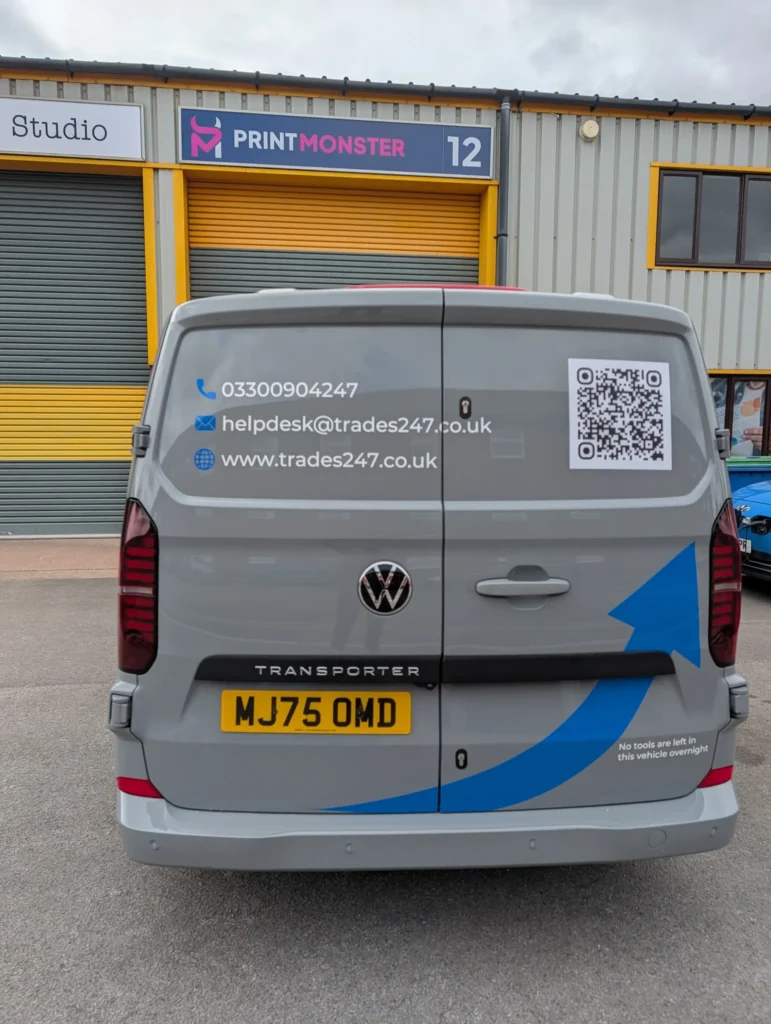
Choose contact details that suit how your customers normally enquire. A clear telephone number and a short website address may be more useful than several smaller lines of information.
If you include social media details, consider whether people will know how to find the account. A platform logo on its own does not tell them your username.
A QR code can be useful for someone standing near a parked van, but keep a readable contact option alongside it. Position the code away from panel gaps and curves, and test it at the intended printed size before approval. It should only be scanned when safe and stationary.
Check every telephone number and web address carefully. A single incorrect digit can be easy to miss when you are concentrating on the design.
Clear branding does not always need a full wrap. Well positioned logos and lettering can work well for a business with a simple message.
Larger printed areas give you more room for colour, imagery and a distinctive layout. They still need to support the wording rather than make it harder to read.
Partial vehicle wraps offer another option if you want more coverage without wrapping the whole van. Choose an approach that suits your branding, the vehicle and your budget.
Review the complete layout before the graphics are produced.
Ask to see the artwork on the correct vehicle layout. Viewing the whole design at a smaller size can help you spot clutter and weak contrast, although it is not a substitute for checking the intended lettering sizes.
Consider how long they will remain accurate. Prices and temporary offers may need replacing while the rest of the graphics are still suitable. For a lasting design, focus on your business identity and main services, then use your website for current offers.
Only use logos you are entitled to display, and follow the organisation’s branding rules. Supply suitable original artwork wherever possible. Small images copied from a website may become blurred when enlarged.
You can keep the branding consistent, but the layout may need adapting. Different body shapes, wheelbases, roof heights and door arrangements affect the available space. Check the artwork against each vehicle before production.
Printmonster prints and fits vehicle graphics for businesses in Cannock and the wider West Midlands.
Send your design, vehicle details and clear photographs so we can discuss production and fitting. If you need help developing a layout, let us know what you want to include.
| Cookie | Duration | Description |
|---|---|---|
| cookielawinfo-checbox-analytics | 11 months | This cookie is set by GDPR Cookie Consent plugin. The cookie is used to store the user consent for the cookies in the category "Analytics". |
| cookielawinfo-checbox-functional | 11 months | The cookie is set by GDPR cookie consent to record the user consent for the cookies in the category "Functional". |
| cookielawinfo-checbox-others | 11 months | This cookie is set by GDPR Cookie Consent plugin. The cookie is used to store the user consent for the cookies in the category "Other. |
| cookielawinfo-checkbox-necessary | 11 months | This cookie is set by GDPR Cookie Consent plugin. The cookies is used to store the user consent for the cookies in the category "Necessary". |
| cookielawinfo-checkbox-performance | 11 months | This cookie is set by GDPR Cookie Consent plugin. The cookie is used to store the user consent for the cookies in the category "Performance". |
| viewed_cookie_policy | 11 months | The cookie is set by the GDPR Cookie Consent plugin and is used to store whether or not user has consented to the use of cookies. It does not store any personal data. |